
Reports
Reports give you a filtered inventory and cost snapshot that can be reviewed in-app and downloaded for committee work, audits, budgeting, or seasonal planning.
Quantity and financial columns
Inventory reports identify pooled and consumable records and include quantity, unit, purchase date, purchase cost, repair consumable cost, repair duration, and lifetime cost. Purchase value multiplies per-unit cost by the current total quantity for pooled or consumable inventory; individually tracked gear uses the item's purchase cost.
Repair cost is the historical cost of consumables recorded on tickets. Lifetime cost combines purchase value and recorded repair consumable cost. Repair hours are operational history only—GearScout does not apply an hourly labour rate.
Generate and review reports
The reports page keeps the controls compact: choose filters, generate the dataset, review the table, and export when you are ready.
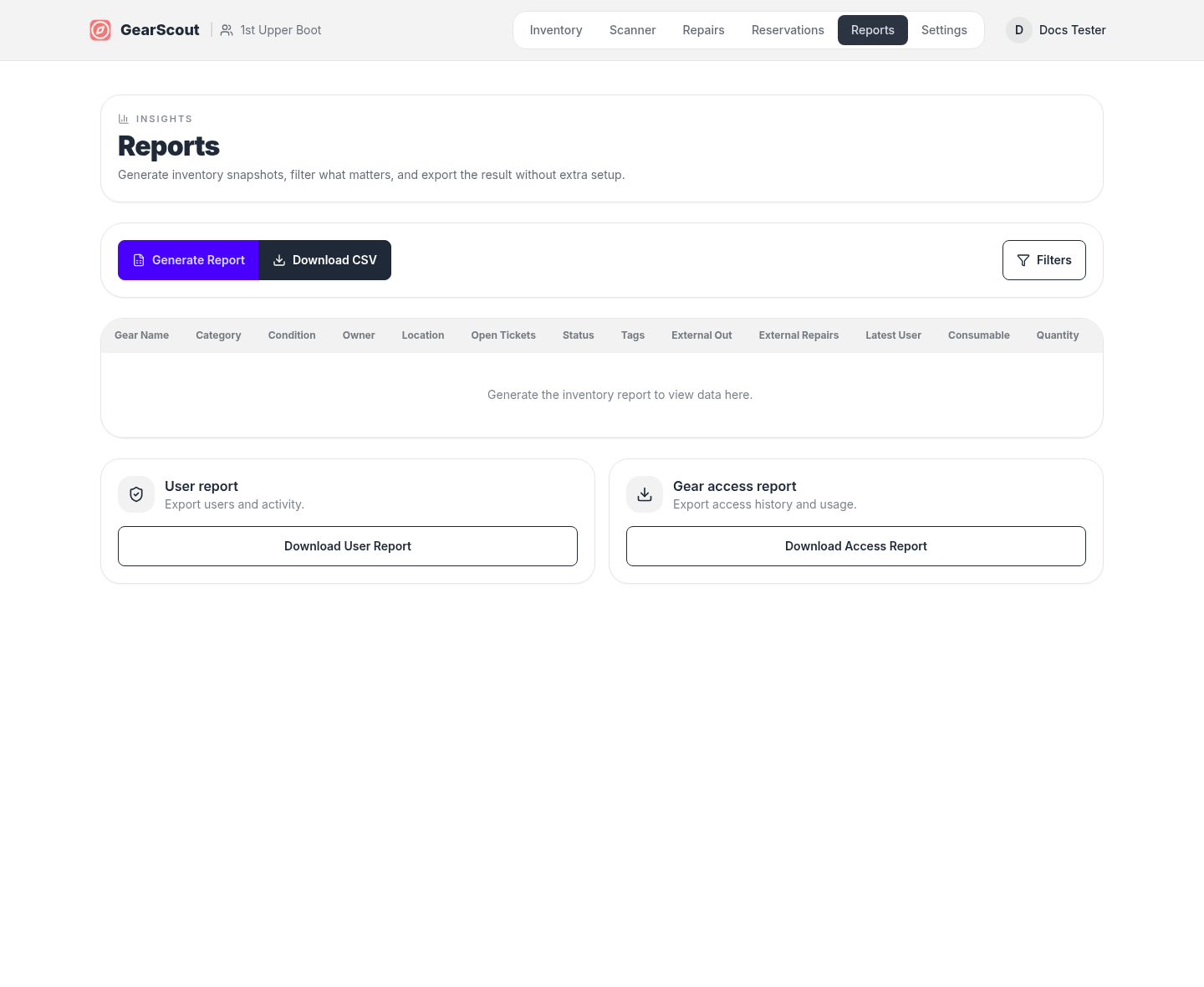
Common report workflow
- 1Open Reports and set the filters that matter for the export.
- 2Generate the inventory view and review the rows in the table.
- 3Download the export once the filtered result looks correct.