Current guides for the current product
Use these docs for the live app structure: operations in the main nav, organization controls in Settings, and public item pages tied to labels.
Set up the group, invite people, and add your first gear.
Work with individual gear, pooled quantities, labels, scanner, and item details.
Plan all-day or timed gear usage, reserve quantities, and avoid conflicts.
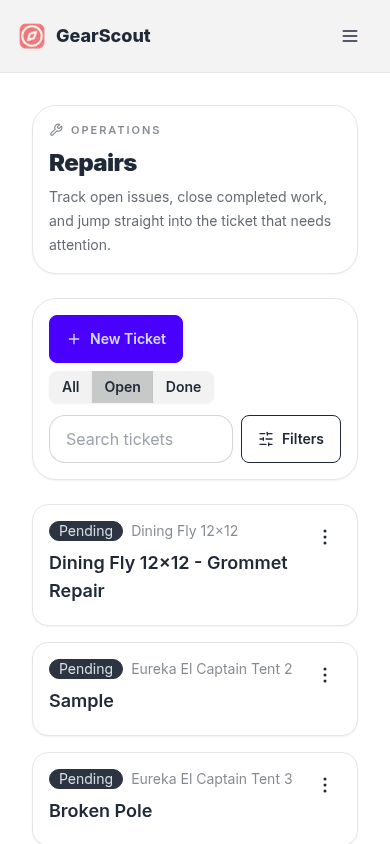
Track issues, resolve them, and keep a repair history on gear.
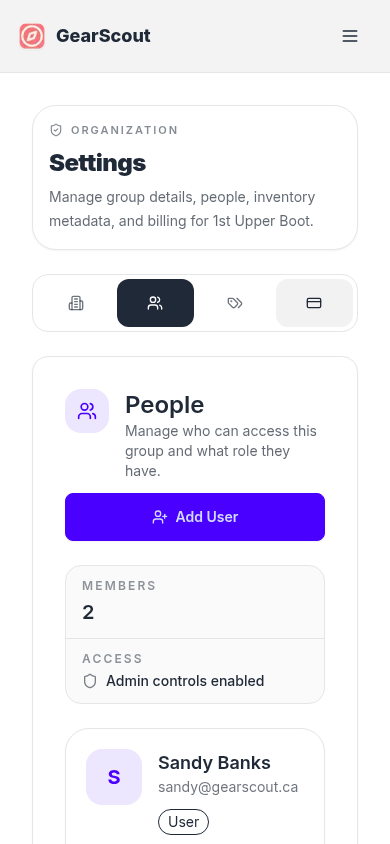
Manage people, roles, categories, locations, and billing.
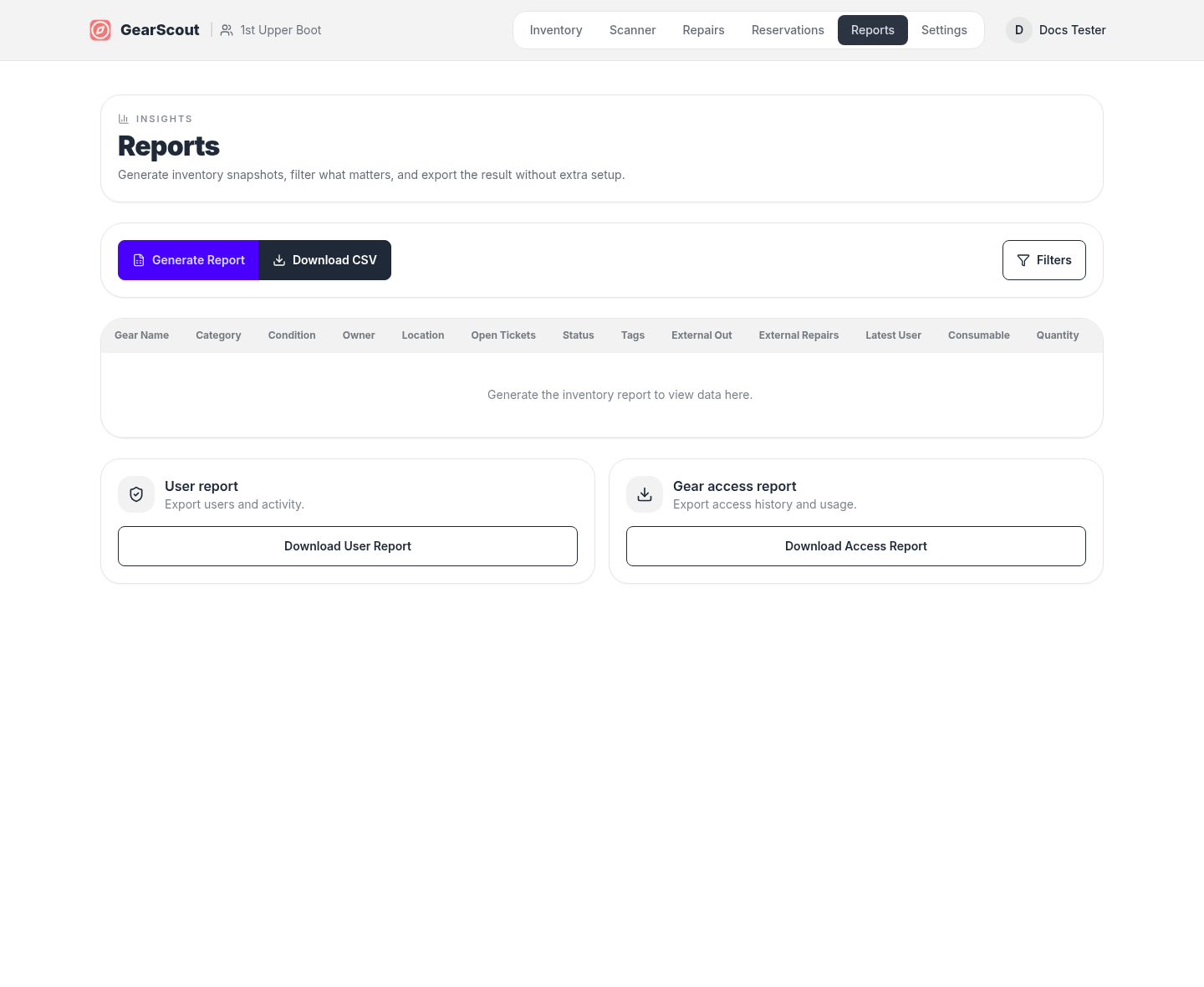
Generate exports and review filtered inventory, quantity, and cost data.
Operations overview
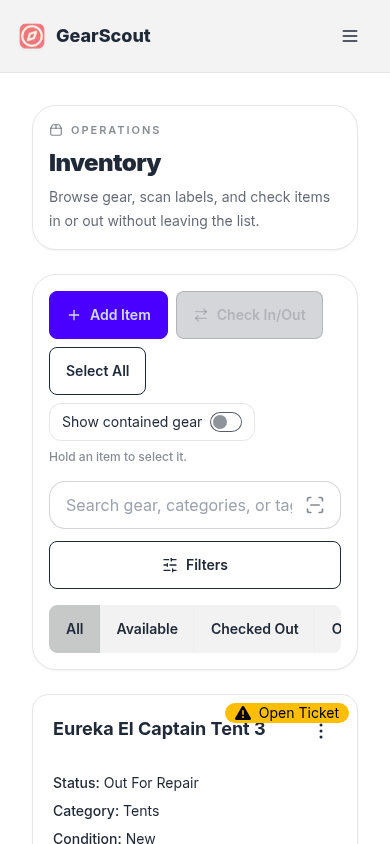
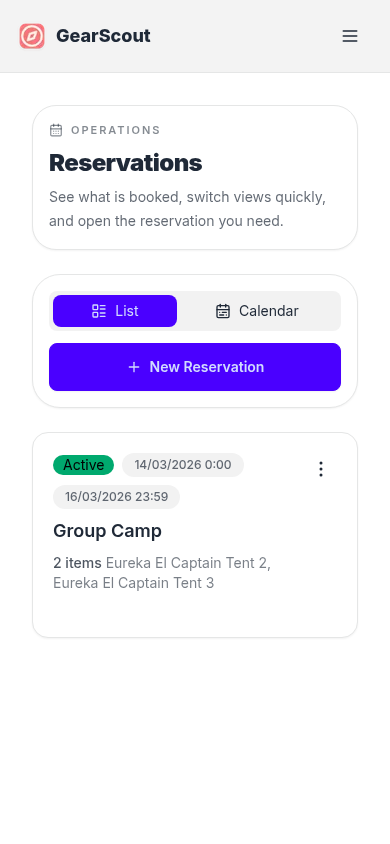
These screenshots are taken from the current app routes, so the docs match the live product instead of a recreated preview.
Settings and people
Administrative tasks now live under Settings instead of sitting alongside operational pages.
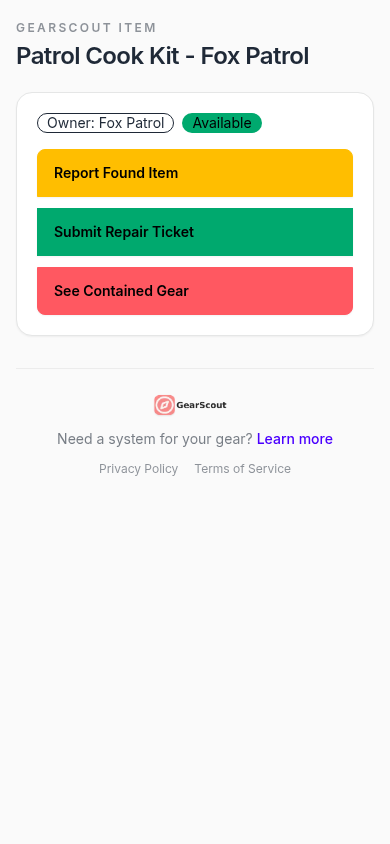
Public item pages
Labels connect to a public page for found-item reports, optional check-in/out, and optional repair tickets when those toggles are enabled on the gear record.
Reporting
Reports stay lightweight: filter the inventory dataset, review the table, then export what you need.